






















Recognized by Clients, Verified by Real Reviews
Backed by over 10+ years of product development expertise, WooberlyGrocery is the trusted choice for founders building grocery delivery apps.























What is a Grocery Delivery Script?
A Grocery Delivery Script is a ready-made software solution for launching an online grocery marketplace that connects customers, grocery stores, delivery partners, and admins on one platform.
Introducing WooberlyGrocery
WooberlyGrocery is our ready-made grocery delivery script that helps you build and launch your own grocery delivery marketplace. Building a grocery delivery platform, even with AI development tools, can involve development challenges, payment security, and ongoing maintenance.
With WooberlyGrocery, you start with a ready-made platform designed for grocery delivery operations. It includes essential capabilities for managing orders, stores, payments, Delivery Partners, and Customers, along with regular platform updates to help keep your system current. You can also customize the platform with your own branding, features, workflows, and business model to meet your specific requirements.
How our grocery delivery platform works
From finding a nearby store to rating the completed order, WooberlyGrocery connects every step of the grocery delivery journey.

Find a grocery store
Customers sign up with a phone OTP, discover nearby grocery stores, search for products, browse categories, and filter stores by price range.

Build your cart
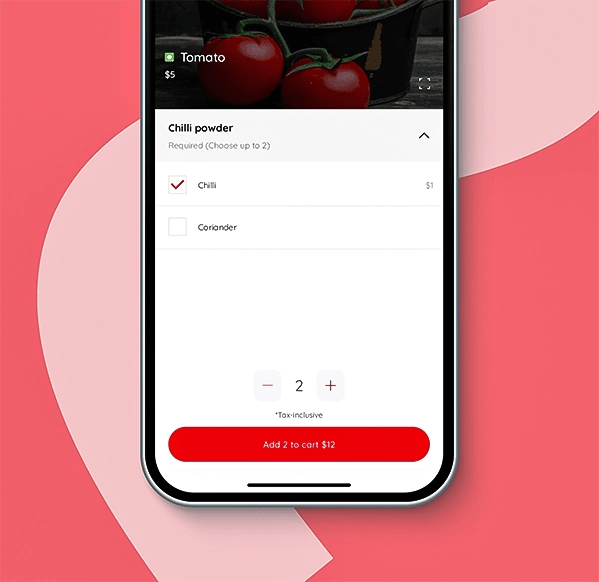
Users select their groceries, choose quantities, add available add-ons, and add delivery instructions. They can also apply promo codes before checkout.

Checkout and pay
Buyers choose their preferred delivery option, including Meet at Door, Leave at Door, or Pick Up Outside, then pay using a card, wallet, or cash on delivery.

Store prepares the order
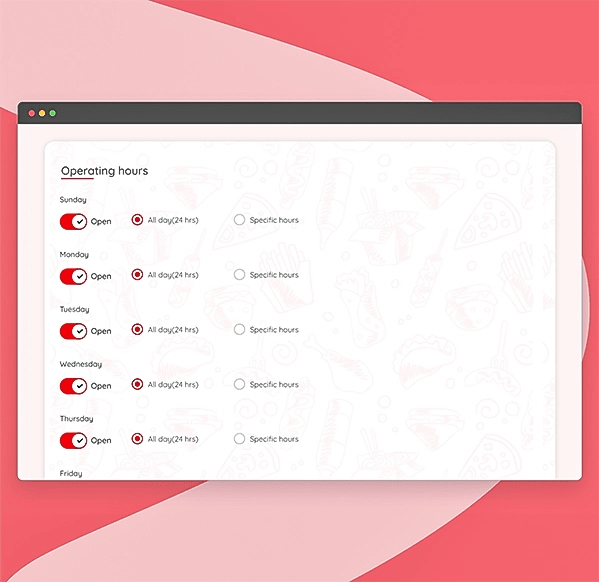
The store receives and prepares the order based on its operating hours and preparation time. Customers can track the order status as it progresses.

Delivery partner picks up and delivers
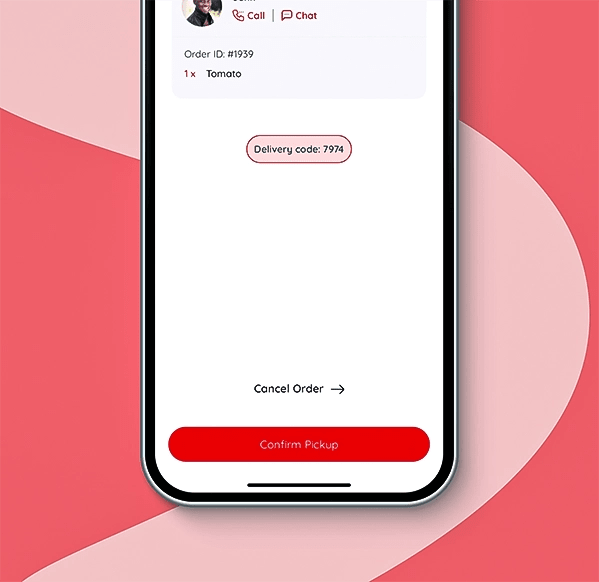
Delivery partners accept requests, navigate to the store, pick up ready orders, and deliver them to the customer’s selected location.

Order complete and rate
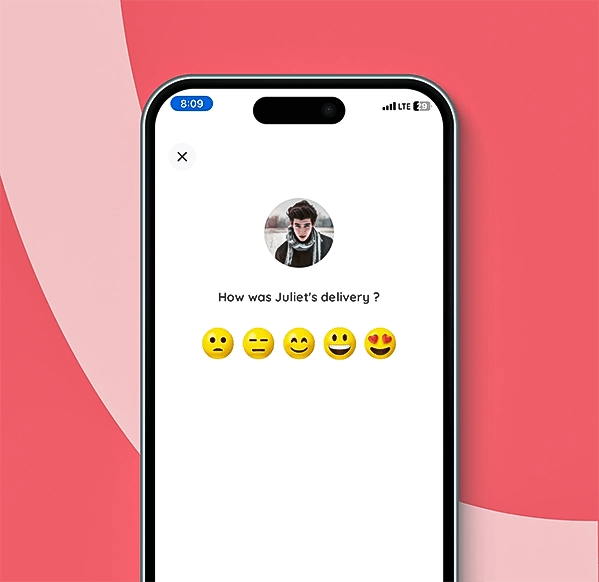
Once the order is delivered, customers can view their order history and rate both the grocery store and delivery partner based on their experience.
Highlighting the top features





Manage the platform with ease
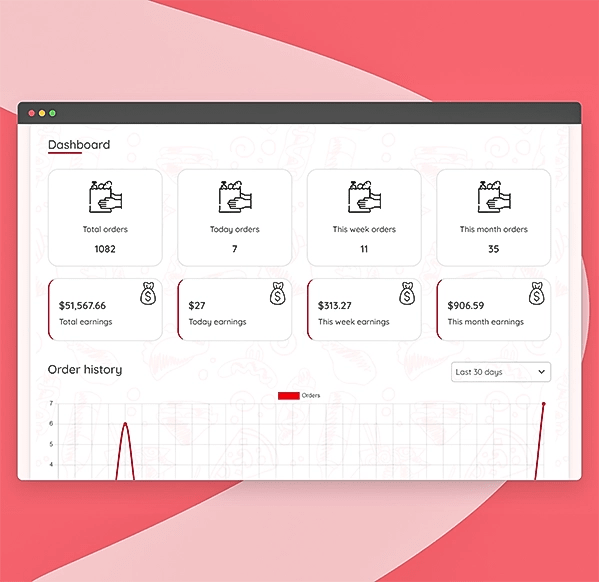
- Get platform overview
- Manage site settings
- Manage site configuration
- Manage homepage settings
- Add sub-admins for help
- Manage service fee
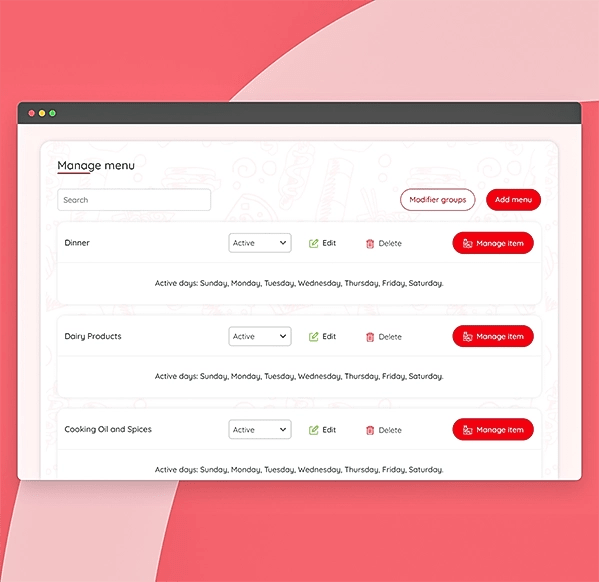
- Manage categories
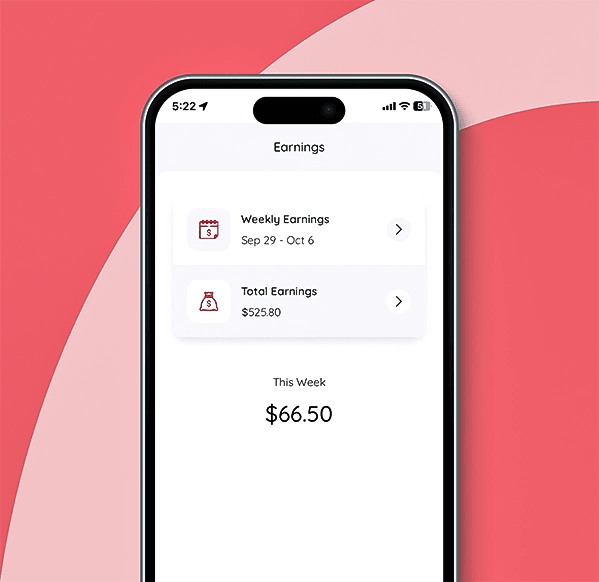
- View the earnings
- More features
View the data on the user counts (users, delivery partners, & store), orders placed, and your earnings.

Manage the site settings, like the logos, the site name, title, metadata, and your social media account links.

Control the platform's site configurations, including the settings of Stripe, Twilio, PayPal, and other settings.

Control the home page settings, including its banner, category, how it works, footer content, and other settings.

Add several admin users and assign them roles to help you handle some of the admin responsibilities.

Set a flat or distance-based delivery fee for customers and a service fee for stores and delivery partners.

Create and manage the grocery categories available to users, such as vegetables, dairy, and meat.

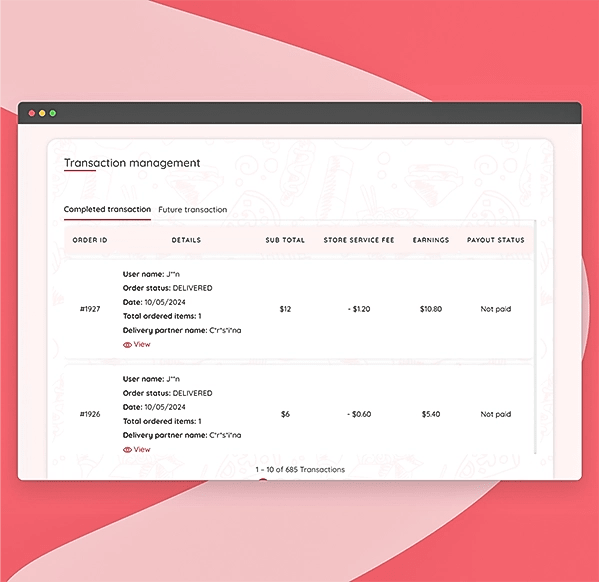
Access the admin earnings details for all orders, including the payment method and order amount.

Features that make WooberlyGrocery different

Smart store discovery
Customers can find nearby stores, search for products, browse categories, and filter stores by price range.

Store preparation time
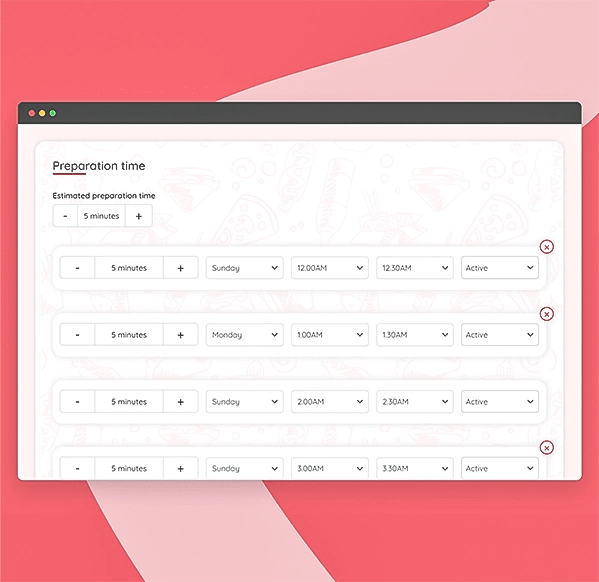
Store partners can set their preparation times and adjust schedules for peak hours to manage incoming orders more effectively.

Flexible service fees
Admins can set flat or distance-based service fees to manage how the marketplace charges for deliveries.

Multiple payment options
Customers can pay using Stripe, PayPal, Cash on Delivery, or the in-app Wallet, based on what suits them best.

COD verification
Delivery partners can confirm cash collection before completing a COD order, helping keep cash deliveries properly recorded.

Multi-language and multi-currency support
The platform supports multiple languages and currencies, helping businesses serve customers across different regions.
Get the free guidebook
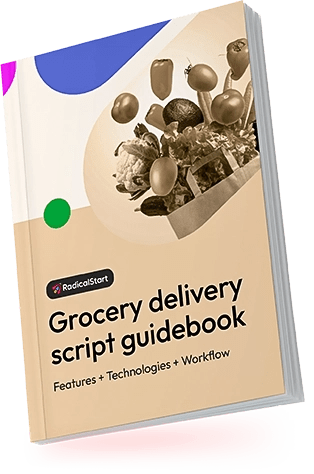
Know the complete workflow, features, and technology used in our Grocery delivery script.
Ready to experience the demo?
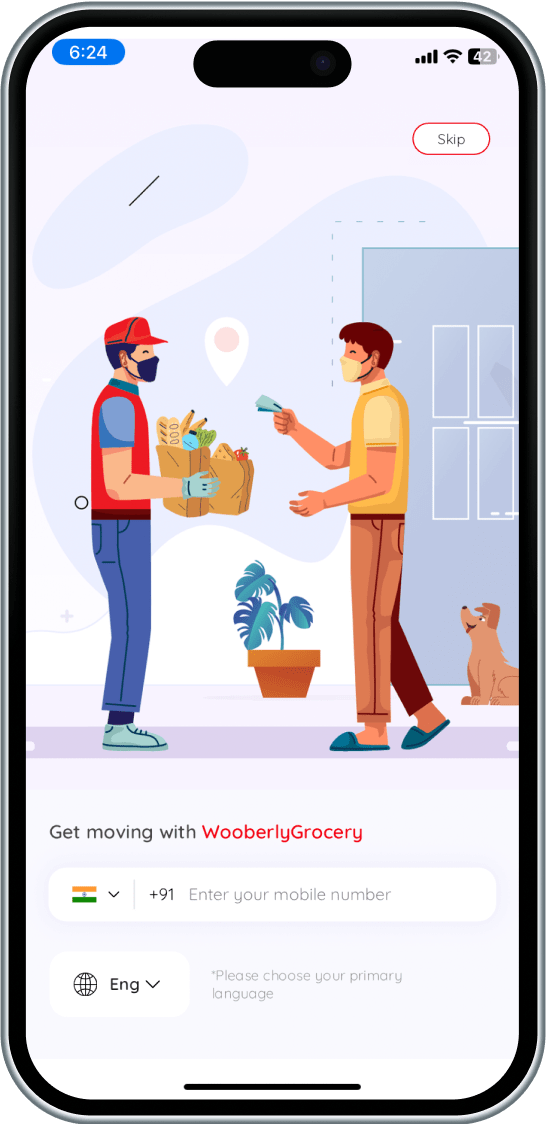
Customer app
Explore the customer app in the app stores
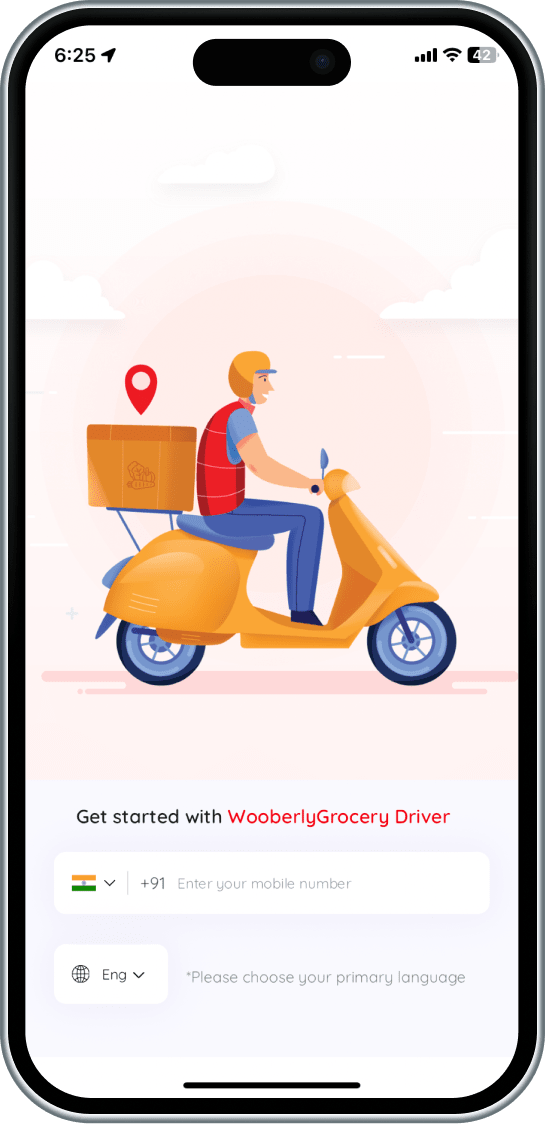
Delivery partner app
Check out the delivery partner app
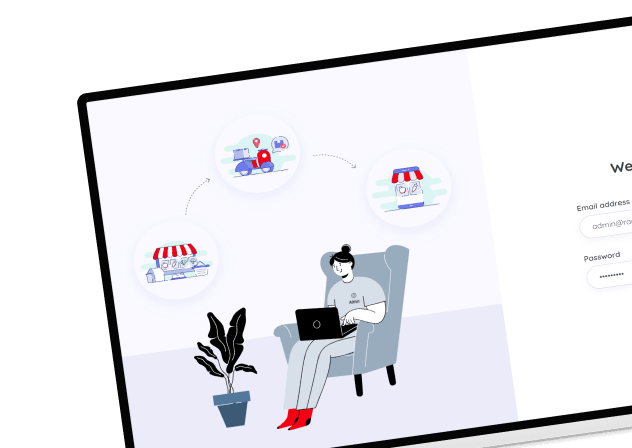
Web panel
Explore the store and the admin web panel

Book a personalized demo with our Marketplace Expert
What can you expect in this call?
Walk you through the full flow for the customer app, web panel, and delivery app.
Explore the must-have features that help grocery delivery platforms launch faster.
Show you how WooberlyGrocery can be customized for your store network and delivery zones.
Discuss custom integrations such as payment gateways, inventory tools, and third-party services.
Explain how WooberlyGrocery stays compliant with App Store and Play Store guidelines.
Turn Any Local Business Into a Delivery Business

Food Delivery
Start your food delivery business with a platform that connects customers, restaurants, and delivery partners. Manage food orders, restaurants, customers, and delivery operations online.

Medicine Delivery
Bring pharmacies, healthcare products, and wellness essentials online in one app. Manage medicine orders, stores, customers, and deliveries from a single admin panel.

Fresh Meat and Seafood Delivery
Start your fresh meat and seafood delivery business with a platform that connects customers, local butchers, fishmongers, and delivery partners. Manage product listings, orders, vendors, customers, and delivery operations online.

All-in-One Delivery
Bring food, groceries, medicines, and other services into one app. Manage multiple delivery categories, customers, stores, orders, and operations from a single admin panel.
Unlock the right plan
Black Friday Sale!
Buy 1 product at $999 and Get 1 Free Limited to the First 20 Customers!
Pro
- Single domain license
- Tech support for 3 months
- Updates for 6 months
Max
- Multi-domain license
- Tech support for 6 months
- Unlimited updates
All these supports for free

White-labeling
Free white labeling includes changing the logos, content, design, and more.

Server installation
We'll install the entire package of the Grocery delivery script into the server.

App submission
Get your grocery delivery app launched into the App Store and Play Store.

App re-submission
If your app gets rejected from app stores, we'll ensure a successful relaunch.
Launching your app in weeks
Customize
Use free white labeling or customize the Grocery delivery script further as you wish.
Test
Your Grocery delivery script undergoes rigorous testing to make sure it's bug-free.
Launch
Let us launch your grocery delivery app in the App Store and Play Store.
Better technology. Better scalability.
 React
React
 Flutter
 GraphQL
 Socket.IO
 Firebase
 MySQL
MySQL
 React Apollo
 Sequelize
 Google Map
 Redux
Redux
 GetX
GetX
Their love is growing day by day
“As we know, we're in production, we're in live, it's because of you and because of us, and because of a great collaboration. So we are proud to make such a great product with you, we want to thank you for your time and enthusiasm. We always have a lot of difficulties and challenges, and you always do your best and find great solutions for us. It is really nice. We appreciate it. It's only the beginning.”
- Oleg, Porto



“I was planning for a small project with a limited budget; my good luck drove me to RadicalStart. Amazing how they are, very nice, professional, perfection-oriented people, and well-organized. All I had to do was tell them what I wanted and they brought my dreams to reality with the most exceptional results. All I can say now is, my work and my projects, are gonna be exceptional.”
- Asaad, SKYNORTH


“My partner and I had a great idea for business. As it turns out, you guys had that product we wanted and needed. We got to you by a friend's recommendation and we instantly clicked and we were very happy that you could provide us the tool that we wanted and needed for our business. We had a great team and they're helping us a lot. They have a very good response.”
- Jorge, Eventasis


“I know during this time, RadicalStart is showing exceptional adaptability to market changes; always maintaining the commitment to the quality. We want to thank everyone who is a part of RadicalStart for their work and dedication. Without your effort and passion, this achievement wouldn't be possible. On behalf of all of us at Trineo app, we express our deep gratitude for your outstanding product and service.”
- Michael Leppe, Trineo app


“I started my project with you guys this year. I want to say this has been a very amazing experience and you are all very professional, and very talented, and you have helped me to design my app the way I want with so many customization. Thank you so much. I wish you to become the most successful company in India and the world. Thanks, Gowtham for your amazing ongoing Support.”
- Usman, Cheetah


Know more about our solution
To differentiate our grocery delivery script from others on the market, we've coined the term WooberlyGrocery.
The grocery delivery script functions as a pre-built solution akin to established grocery delivery apps.
Despite its pre-developed nature, the grocery delivery script serves as a cost-efficient alternative to custom development, providing a quick launch for entrepreneurs looking to launch their app.
The cost of a grocery delivery script comes between $2,500 - 10,000, and it can change based on the provider you choose and your customization requirements.
The grocery delivery script works by allowing users to browse available grocery items, add them to their cart, and proceed to checkout.
Once the order is placed, it is sent to the nearest grocery store or warehouse. A delivery partner is then assigned to pick up the items and deliver them to the user's specified location.
The script may include features such as real-time tracking of the delivery, payment processing, user reviews, and customer support functionalities.
Overall, the admin and the store can manage their business through their web panel.
The grocery delivery script copy you receive will not be encrypted. It gives you the full freedom to customize it according to your business needs.
The grocery delivery script is a base platform that is 100% customizable to your on-demand grocery delivery business needs.
However, it is not possible for us to provide technical support once the source code files have been tampered. (After the modification of the source code from your side).
Yes, we help with one-time free installation and submission of your mobile apps to the Google Play Store and Apple App Store.
Please note that this is free assistance. Your payment covers only the product's source code files.
During app submission, if the Play Store or App Store asks for extra changes (like unique design or unique functionality changes), we can do it at an additional cost.
Apple App Store is very strict. They want apps with a unique design and features. If not, they may reject the app (Policy #4.3 - Design Regulations).
See Apple rules here: https://developer.apple.com/app-store/review/guidelines/#design
To avoid problems, we suggest you customize your app. You can hire us for this, or use your own team.
In any case, we will give you the full source code of the website and apps. You have full control.
Yes. The platform supports multiple languages and currencies, helping to serve customers across different regions.
Yes. WooberlyGrocery supports multiple stores, with each store managing its products, operating hours, preparation times, and orders.
Customers can pay using Stripe, PayPal, Cash on Delivery, or the in-app Wallet. We can also integrate local or region-specific payment options based on your requirements at an additional cost.
We will keep on adding new features, improvising existing features, and fixing bugs if any.
Whenever we release a new version, we can share the updated source code files if you are eligible to get unlimited updates.
Even though updates are free, there will be additional charges for website reinstallation, mobile app reinstallation, and resubmission.
If there aren't any custom changes made, then we can simply replace the files from the new version.
If we have worked on any custom changes, we need to compare the code and implement the changes.
Updates are free. However, if we have to compare and apply the updates, then we may charge you for the hours that we need to spend on applying the update.
Please get in touch with our team for more details.
If the custom changes are done by you/your team, we can only provide the updated source code files as we will not be able to provide support on the tampered source code files.
Yes, you can get the update based on the package that you purchased.
You can hire our team on-demand and get in touch with our team for more details.
The free technical support period will start from the date of purchase.
- Help you with text changes
- Help you with color changes
- Help you with the static content translation (for a maximum of 3 languages and 2 iterations for each language)
- Clarify your questions
- Bug fixing (If it's critical, we will give you a time frame to fix it. Otherwise, we will include the fixes in our updates)
- Issues in your local machine installation
- Reinstallation of the script
- Issues in Git due to not following the instruction
- Issues in modified code or if customization is done by you/your team
- Any custom changes that would need additional development efforts
After the purchase, you can connect with our technical support team via email only. They will not be available for calls.
Our tech support team will respond to all your queries via email based on the queue.
It would take around 24 to 48 hours for our support team to respond during business days, based on the queue.
After the purchase, we will set up the script one time on your hosting server without any additional cost. You may need to pay for additional installations.
For Website:
- Web admin panel / landing page theme color and font changes
- Web admin panel / landing page favicon changes
- App package name / Bundle ID changes.
- App name changes.
- App icon changes.
- App theme color changes.
- Firebase Crashlytic and FCM integration.
We can proceed with Let's Encrypt SSL (Let's Encrypt is a free, automated renewal, and open certificate authority).
If you wish to install another SSL provider, there will be an additional charge per SSL installation.
A single-domain license can be used for only one business in a single domain. For example: mybusiness.com
The multi-domain license can be used for any number of businesses on multiple domains. For example: mybusiness1.com, mybusiness2.com, etc.
Static contents are rendered from the static language files in the web and mobile apps.
The dynamic contents are the inputs provided by the users/admin which are stored in the database (For example Vehicle category name, location name, etc).
Free tech support covers the static content translation for a maximum of 3 languages (2 iterations for each language).
We highly recommend AWS & DigitalOcean and also it will work fine on any Ubuntu-based hosting servers.
Here is the minimum server requirement,
- Operating System - Ubuntu 24.04
- Storage - 50GB (Should be expandable)
- RAM - 4GB (Should be expandable)
- MySQL - Version 8.0
- SSH with root user access
Note: The server should be plain and should not have configurations like Apache, Databases, etc.
We always stay updated!
Check out what we have updated on every release.
Released: Dec 23, 2025
- Bug fixes
Released: Nov 17, 2025
- Introduced Dark Mode for a more comfortable and improved user experience
- Enhanced push notification navigation for easier access and usability
- Upgraded libraries to boost security and overall app performance
- Resolved minor bugs to ensure a smoother, more reliable experience
Released: May 22, 2025
- Migrated the latest libraries into the app to ensure optimal performance.
- Bug fixes and performance improvements.
Released: May 7, 2024
- Enabled web push notifications for the store panel to enhance alerting functionality
- Introduced an in-app chat feature for users and delivery partners
- Enhanced the live location feature in the delivery partner app
- Introduced PayPal in payment and payout account options
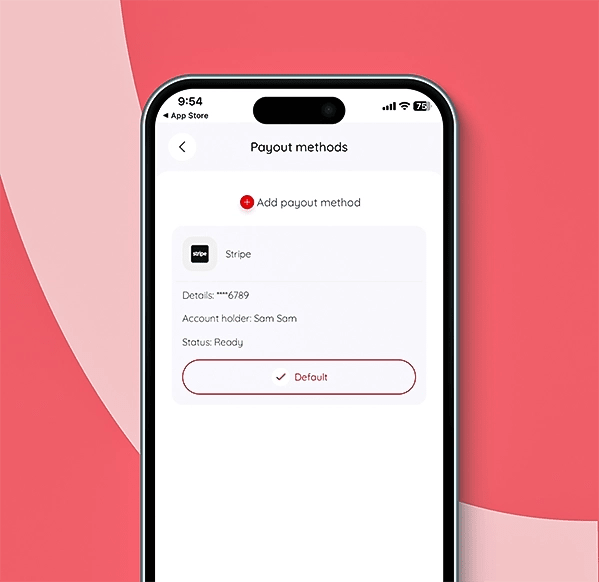
- Revamped Stripe's "add a payout bank account" approach to improve transaction security
- Migrated the latest libraries into the app to ensure optimal performance
- Bug fixes and performance improvements
Released: August 28, 2023
- Bug fixes